
Description
Reviews (32 cached)
Image is just resized, still blurry, doesn't enhance at all.
how do i removed this from my chrome add-ons? Won't show any removal option, just a link to get to the website, no way to remove. Very annoying
Don't know where the resized pic went !. I think it is a joke.
Uploaded but didn't download modified image.
it doesn't use the right measurements
doesn't resize just reduces size, not any good for me
wack
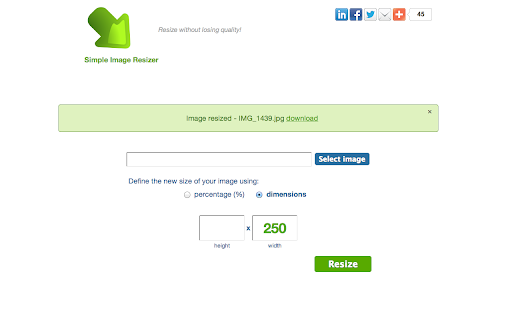
When I "download" resized image, it opens up another tab with the resized image. Does not "download" anything to my Drive. Useless.
No use of this for resizing groups of images, no option to reduce file size, all it does is reduce the image size
It's a link to a web page. Garbage.
no option to reduce file size, all it does is reduce the image size - another chrome waste of time
does not work. does not identify what folder contains resized file. Does something just do not know what.
Crashed Chromebook on 1st use. Lacked a 'resize folder' function anyway. Back to Windows!
DOES NOT WORK AT ALL WASTE OF TIME I TRIED TO USE IT AND IT CRASHED LIKE 10 MINS AFTER I HIT "RESIZE" DO NOT DOWNLOAD EVER!!!!!!
did not work for chromebook
Useless
It does not enlarge many pics without stretching them, some it works just fine. This isn't an app either GOOGLE CHROME, quit putting links in the app section geez!
most want to make image larger not smaller.no use to me.
Did A bad job of "re sizing" It just stretches it
not worth
Doesn't work. Waste of time.
Didn't work at all!
Cannot choose dimension units (inches, cm or pixels) and doesn't even tell you what units it uses.
It still loses quality. Avoid.
I can only make images smaller, if it does make things larger it is not user friendly to me.
Terrible
It's not working :(
It seemed to work fine. I was trying to enlarge photo sizes for something I have been working on. But, I ran into the problem also, that the thing didn't ask where to download the new image. I complained on their site, and this was the response: Grzegorz Farynowski <farluner@gmail.com> Mar 19 (5 days ago) to me Hi, Thanks for your e-mail! Resized photos are in "SD Card"/Pictures/PhotoResizer folder. To get resized pictures you can use gallery app or any other file manager like astro - https://play.google.com/store/apps/details?id=com.metago.astro. So, as I understood this, you need a file manager app also, that is compatible with this Image Resizer. It would have been nice to know this before I downloaded it.
I want an app not a link to a website
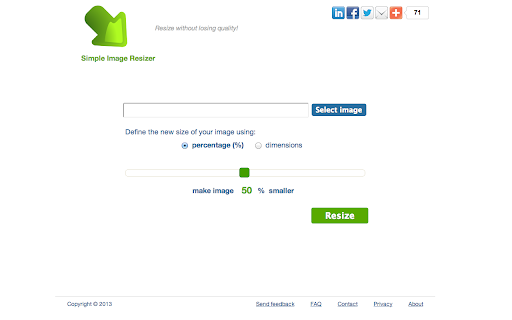
in order to resize, it uploads to webpage...little pointless if the point to use this app was to obtain smaller file for uploading ;)
Unless I am missing something major, this is simply a bookmark to a website.... I really need something I could use offline.
looks like it could be good but not working on chromebook uploads photo. download converted photo just get a blank screen
Details
| Version | 3.0.2 |
| Updated | Mar 21, 2017 |
| Size | 13.99KiB |
| First Seen | Mar 29, 2026 |
More by farluner





Popular in art





Popular Extensions




