
Description
Reviews (88 cached)
useless
Not working on google search.
Why doesnt it work on Linux Edge?!?!?!
doesn't work, it just opens google.
Developer pitched a whiny fit and intentionally broke a feature because he didn't like his reviews. https://github.com/dessant/search-by-image/issues/353#issuecomment-2727467182
Yandex stopped working. Google lens is worse and I undertand the dev doesn't want to bring back the previous version that worked with the classic google image search, but maybe reconsidering this stance would be nice and everybody could be happy. A great extension and I'll change the rating when Yandex comes back!
Doesn't work anymore, dev is being a dick and purposely keeping it hostage like that until people give him better reviews, so I'm uninstalling and review bombing instead as is deserved.
https://github.com/dessant/search-by-image/issues/353#issuecomment-2727467182 If you are using this service to replace google lens, I recommend finding an alternative. Users were unhappy that the feature was temporarily unavailable; The developer response was to remove the feature entirely out of spite due to the bad reviews. The developer also claims that the feature may return IF the chrome web store rating improves. This negative review is not because "google search no longer works," rather I am leaving a negative review because I feel as if the developer is attempting to hold my convenience "hostage" in order to get a higher rating on the Chrome Web Store. I would rather drop this extension entirely.
facecheck.id add please
google image disappeared... i dont want google lens plzzzz
No longer works with the old legacy reverse google image search. Google seemed to fully disable the legacy search for a while, but supposedly it's working again. According to the extension's github, however, the extension dev has apparently chosen not to support the legacy search option anymore on the chrome web store version. Legacy reverse image search was the only reason I was using this extension (google lens is that awful), so I guess I probably won't be using it anymore. Maybe I'll pick it back up again on whatever firefox fork i pick when I dump chromium after vivaldi adopts manifest v3. 🤷
It no longer works! When you search by image, only the Google Image site shows up now.
This used to work amazingly now it doesn't. Please update google image search I hate lens more than anything.
Extension removed old google image search but it is still exists in google.
Not working anymore
2025.2.11 doesn't work anymore 💔
I have played with it for about 20 min and cannot get it to work.
i needed tineye search. it just sends me to tineye without searching for the image. later i get a browser popup from this extension: "something went wrong. searching on tineye has failed".
Totally useless, it does NOT work at all, I click and get nothing! Waste of time.
doesn't work anymore
doesn't work
doesn't work
doesnt work anymore, dont download
I used to really like this extension as an alternative to Google Lens because it helped me find the highest quality of a given image... Now it literally just sends you to Google Lens, something I could already do without this extension, the option is *right there.* I no longer have any use for this extension. You guys should consider bringing the old version of your extension back, don't cheap out and use Google Lens!
With excellent for several years, stopped working about 2 weeks ago and hasn't worked since. Every time it fails to grab the image that I tap on search. Has there been a update or something that I missed?
Sucks now, just uses Google's terrible new reverse search.
Stopped working 05/22/2024.
Used to work perfectly; now circle just keeps spinning. Once every now than it'll return results after a minute or so of waiting.
Not sure why but this isn't working for me. Disabled other extensions too to check if there was any conflict still No.
it doesn't work. nothing happens
Last few days I've been getting "Search by image is unavailable. Please try again in a few hours" when I search in Google. Edit - reinstalled in 2024, and still nothing works in Google. I get "Your search did not match any documents." no matter what image I try it with. Time to fully ditch it.
Suddenly can't search by images anymore on google. Error is "The URL doesn't refer to an image, or the image is not publicly accessible." This is even for images on public sites. Looks like Google is blocking the API maybe?
New permissions are not okay.
Super-invasive permissions are now required. Including reading/changing all data on all websites, and snooping on your copy/paste. Telltale signs that this is going the way of the Great Suspender—an originally helpful extension that exploited its large user base to quietly become adware/malware.
clipboard permissions was a late april fool's joke
Removed due to newly required clipboard permissions for a rare use case
No need for clipboard data, dev behaving like it's not a security issue
New permissions are terrible, I have been getting ads that I wasnt getting before. I'm removing it.
Its the best image searcher there is but the new permissions suck and are invasive. No way will I let any extention read my browsing history or have access to my clipboard. Too risky and I've been burned too many times by extentions. Such a shame
It was great until it started asking to read what I copy and paste. Now I have to uninstall it due to privacy concerns.
Clipboard permissions
Due to clipboard permissions
Reading the clipboard is a must-not.
mandatory access to clipboard? dangerous
why do you need to know my copy and paste data exactly?
suddenly today this extension wants to read the data I copy and paste....
Needs permission to things I copy/paste now. No thanks.
I dont get it - at all. No picture was right, they all aup far from what it was. I was among others searching for a jacket NOT on a model, came up as totale random jakets on models in different colors
Really dum it makes my computer really laggy
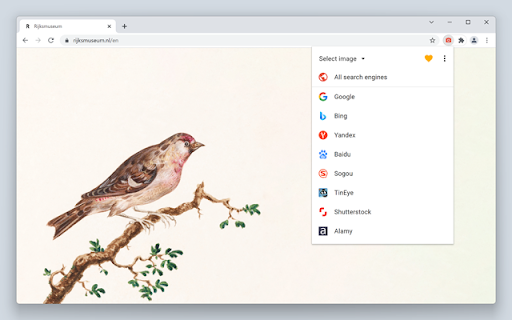
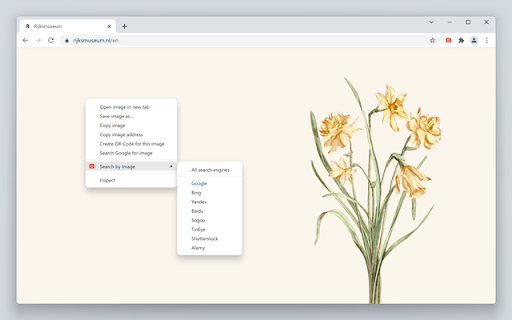
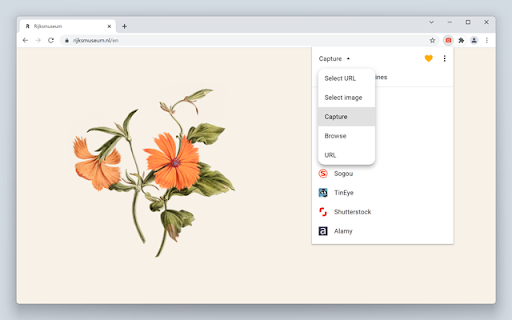
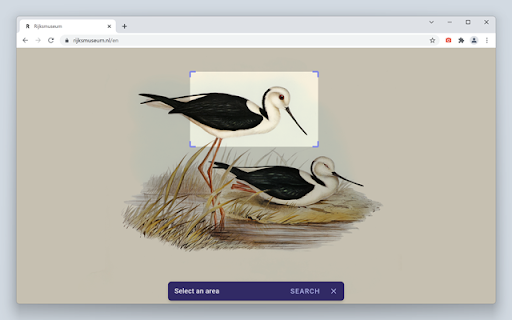
There is no way to actually use it? I click on the extension in my tool bar, and it gives me the option to search different websites and then there is nothing happening after that...no way to actually select an image and search?
Permissions (11)
Permissions
Details
| Version | 8.5.0 |
| Updated | Feb 9, 2026 |
| Size | 845KiB |
| First Seen | Mar 28, 2026 |
More by Armin Sebastian


Popular in tools



Popular Extensions




