
Description



Reviews (6 cached)
2.0 doestn work in youtube
Doesn't work at all. Doesn't have any option for "tuning" either. The whole idea is that I may want to disable a single image on a page, not all images. Either way this thing doesn't block anything making it useless.
This app really does block images, and it works well. But it does not remember on what sites to block images and what sites not to. So when I shut down Chrome, and come back to it later, I have to unblock the same sites all over again. This app seriously needs a "white list" option, badly.
It's a very good extension, but without ability to save settings across restarts It is very annoying. only if it could remember the settings per website after restart it would be great!
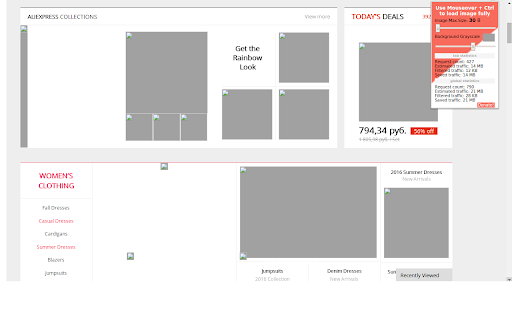
Good but not perfect, its great that it can selectively choose what to show but the implementation of "ctrl hover" to show the image is less than ideal on sites with alot of picutres. The extension also breaks when it is used with the Bandwidth hero extension.
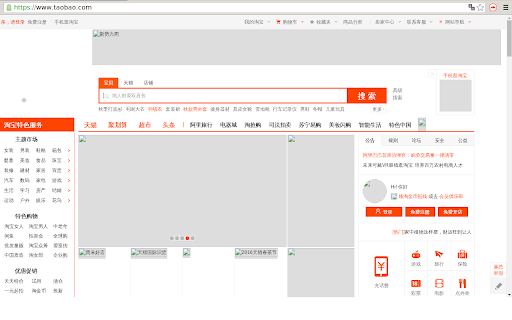
Best for someone limiting data usage. For simple image on/off, there's a different extension called "Block Image". Tunable Image Block filters by image data (vs pixelated) size Larger images can be off while retaining page sense.. possibly saving toggling on/off.. then again, some images appear partially. If you toggle it off, data setting tends to get lost. Workaround: install the "Block Image" extension as a toggle & be able to keep your setting for on mode. leaves an image frame outline. the space can be adjusted light/dark. doesn't block icons. It becomes difficult to get images back on, so I'm inclined to go with something else. I'd prefer an extension that blocks by pixel size.
Permissions (4)
Permissions
Details
| Version | 2.1 |
| Updated | Dec 22, 2023 |
| Size | 32.14KiB |
| First Seen | Mar 29, 2026 |
More by ExoCode

Popular in tools



Popular Extensions




