
Description
Reviews (8 cached)
Doesn't work for me - I have to download the attachment still!
This isn't working for me. It shows loading, and the audio wont play. Is there something that can be done to make it run?
Nope still not working Feb 1, 2024 Gets stuck on loading.
Wish it worked but it doesn't . The player just shows up but no sound
Not working at all but looks easy to use if it was working!
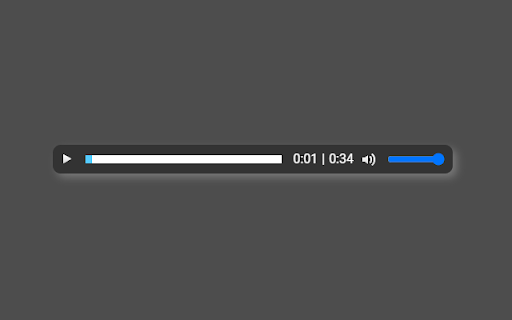
2023: Not working for me, just shows the player with 0:00
Not working for me.
IF YOU'RE HAVING PROBLEMS MAKING THIS "GPLAYER" WORK: (READ ALL) Open the "GPlayer" extension in your browser or click on 3 dots next to it --> "manage extension". This should open up the extension's settings. Now allow "GPlayer" access to all shown websites. These 3 websites were shown for me: http://mail.google.com/* https://mail-attachment.googleusercontent.com/* https://mail.google.com/* This is what worked for my browser (Opera) - should be similar with Chrome or Firefox. Now open Gmail, click on an audio file. It should say "Loading File" for a few secs and then the audio will play. Important: You have to open the email to be able to listen to the audio files - meaning you can't preview it from your inbox like regularly!
Details
| Version | 2.60 |
| Updated | Jun 18, 2021 |
| Size | 77.33KiB |
| First Seen | Mar 31, 2026 |
Popular in accessibility





Popular Extensions




