
Description


Reviews (5 cached)
it constantly gives errors, and even if you change the options, there is no difference
doesn't tranlaste lol
Every time I click on the icon to activate the extension, I get confronted with these two massive intrusive signs!!! The upper one says: "Translate directly in your browser With the DeepL for Chrome extension for reading and writing. Rated 4.8 out of 5 Download for free" The one below says: "Cookie policy We use cookies to offer useful features and measure performance to improve your experience. You can find further information in our Privacy Policy. More options Less options Only necessary cookies Accept all cookies" No matter _what_ I do, I can't make these signs go away!!! (I can't even select any of the cookie options, nothing happens.) And if that's not bad enough, clicking on 'Translate' does absolutely nothing... If I click on 'Translate Page', the page it takes me to says: "English - detected" (because most of the page is in English), but it won't even try to translate the section that is written in Russian. Then what is the use?? Ugh - so for all these reasons, I AM OUT!!! 😭
Cannot translate web page: https://www.figma.com/
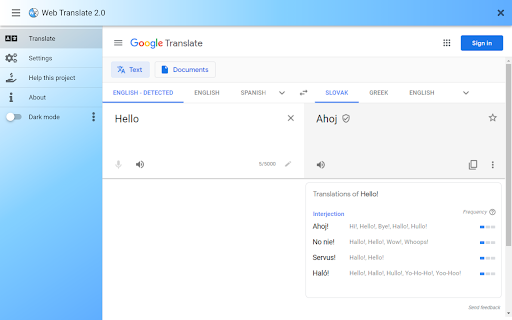
Can't use google translate. Shows "Microsoft Translate" instead, despite that the "Google Translate" is chosen in setting. All other translate websites show correctly... instead of most needed one.
Permissions (5)
Permissions
Details
| Version | 6.1 |
| Updated | Oct 16, 2025 |
| Size | 1.54MiB |
| First Seen | Mar 31, 2026 |
More by juraj.masiar




Popular in social





Popular Extensions




