
Description

Reviews (6 cached)
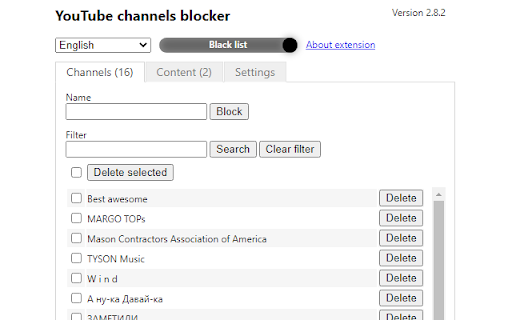
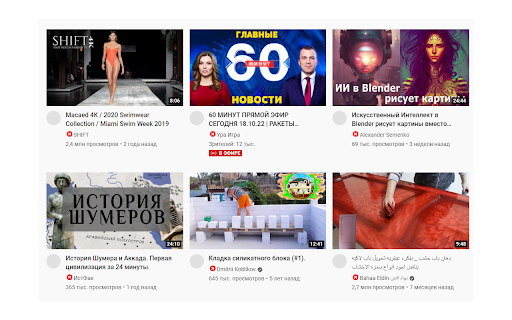
I don't know about this extension. I'm trying find a good one that blocks channels, which this does. But on YouTube's home page there's bunches empty white squares. even if I refresh there still on home page which is annoying. Only good thing is it blocks channels. If it didn't have bunches of white squares on the home page even after refresh, I'd give it a 5 but it's a 2 for now.
Not blocking videos from search. Just doesn't seem to be working. I have typed the channel for skibidi toilet "dafuq!?Boom!" and Skibidi and toilet and *toilet* but the videos still show and play. Disappointing.
Unfortunately, it has not been working for a month for me. I do not have adblock or similar programs turned on if they were to block this app.
nothings channel block in YouTube
YouTube just updated. This doesn't work on the HOME listed page or the NEW TO YOU or RECENTLY UPLOADED. I refresh several time and it never show up. It work on the video playing page itself. So to block a video. You'll have to play the video and block it from there. BUT, it work fine in the Subscription List. Wish is weird. smh Why block a video in something that be Sub to?
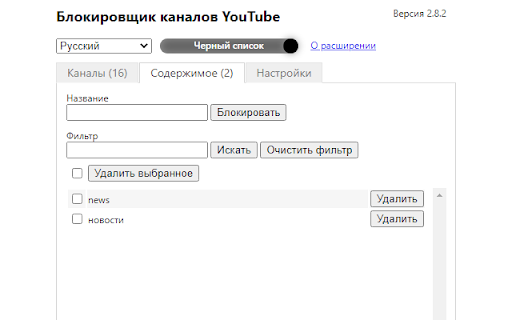
Problem with “Bloked!” when playing a video I don't know if this assumption is correct, as there was no documents of this feature. I think the expected behavior of this extension is as follows. If you try to play a video that is registered in the blacklist or a video that is not registered in the whitelist, the message "Blocked!". And the video cannot be played. However, the actual operation is as follows. - In blacklist mode, all videos can be played. - In whitelist mode, all videos are blocked. This issue is fatal when used in whitelist mode, even channels/videos added to the whitelist will be blocked. The above problem only occurs when playing videos, and works as expected on the home screen, search screen, etc. Maybe this is a problem that only occurs in my environment. Could you please fix the above problem or make it possible to play the video even from the "Blocked!" screen? The whitelist functionality (probably) does not exist in other extensions, so I hope this extension gets fixed. --April 22, 2024 Yes. I have confirmed this issue using Google Chrome on Windows 11. I am using the latest version (Version 2.9.4) of YouTube channels blocker, And all potentially conflicting extensions such as Adblock are turned off. I use Youtube Premium and connect from Japan. I will explain the operation I performed. 1. Open the "Youtube video and channel blocker" settings window and set the top switch to "White list". 2. Enter the name of the channel you want to display (in this case "Cinemassacre") in the Name field of the Channels tab and click Add. 3. All videos except "Cinemassacre" will disappear from the Youtube homepage and search results. (This behavior is not a problem). 4. When I click on the "Cinemassacre" video and try to watch it, it plays for a few seconds, then the video disappears and appears "Bloked!". --April 24, 2024 I have found that this problem only occurs with Youtube Premium; if this is not on Premium, it works fine. Большое спасибо.
Permissions (2)
Permissions
Details
| Version | 3.0.3 |
| Updated | Sep 15, 2025 |
| Size | 159KiB |
| First Seen | Mar 24, 2026 |
Popular in accessibility





Popular Extensions



