
Readlax: Reader View with Phrase Highlighting
v2.0.2 Updated Nov 14, 2023 328KiB
⚠️Not updated in over 2 years
Description
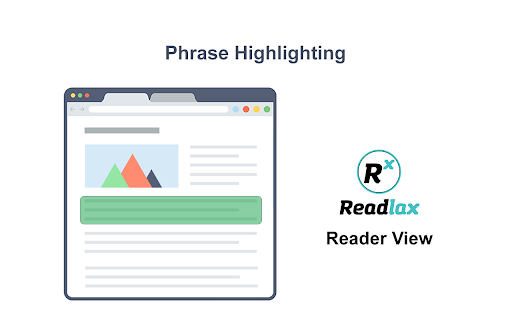
Phrase Highlighting for Speed Reading - Read Faster Immediately.
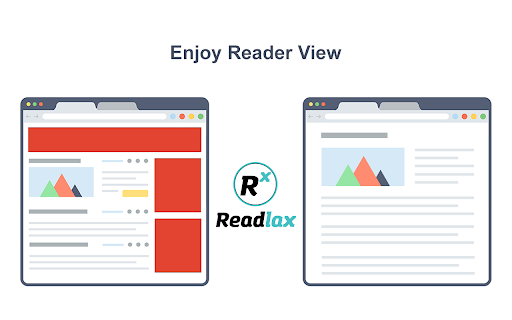
The "Readlax Reader" removes ads and distractions, leaving only text and images for a clean reading view.
How to use "Readlax Reader":
- Install Readlax Chrome Extension.
- Click "Reader View" on the popup.
Features:
- Remove distraction
- Remove advertisements
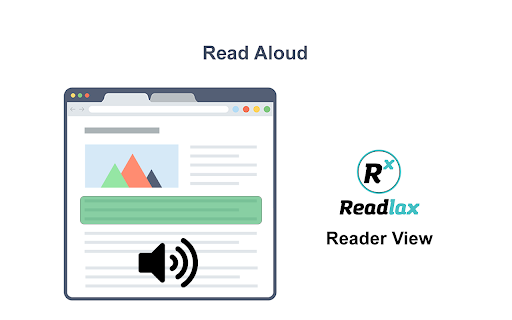
- Phrase highlighting
- Speed reading training
Reviews (5 cached)
★☆☆☆☆2017-10-31
Mateus Lunardi
You may use sites that plugin specify and the way it show text to be read is highlighting it.
★★☆☆☆2023-06-25
Veta Voloshanca
Why would you think blank spaces in the middle of words will make me read faster?
★★☆☆☆2023-02-15
Q S
🤨No sound!🤷
★★☆☆☆2021-07-27
A T
It no longer works with Google Books.
★★★☆☆2021-02-11
Dylan Peterson
It's OK, and it does work as a speed reading trainer...but the speeds advertised are VERY overexaggerated. When I divided the number of words in an article by the time it took the reader to "read" it, the actual speeds were: 760 (setting) -> 591 (actual) 1410 (settings) -> 1113 (actual) It works alright, but take the "speed rating" with a heavy grain of salt. I'm a speed reading trainer, and would recommend this app to every one of my students IF the given speeds were more accurate.
Permissions (1)
Permissions
storageℹ Can store data locally in your browser
Details
| Version | 2.0.2 |
| Updated | Nov 14, 2023 |
| Size | 328KiB |
| First Seen | Mar 30, 2026 |
More by Readlax, Inc.

Popular in accessibility

Read&Write for Google Chrome™
by Texthelp
17M
★ 3.44
accessibility
17M
★ 3.44
accessibility

360 Internet Protection
by qihoosafe
17M
★ 4.54
accessibility
17M
★ 4.54
accessibility

Screenshot reader™
by Texthelp
7M
★ 2.57
accessibility
7M
★ 2.57
accessibility

OrbitNote
by Texthelp
7M
★ 2.95
accessibility
7M
★ 2.95
accessibility

Volume Master
by Peta Sittek
6M
★ 4.81
accessibility
6M
★ 4.81
accessibility
Popular Extensions

Adobe Acrobat: PDF edit, convert, sign tools
by Adobe Inc.
331M
★ 4.40
workflow
331M
★ 4.40
workflow

AdBlock — block ads across the web
by AdBlock
62M
★ 4.48
workflow
62M
★ 4.48
workflow

Grammarly: AI Writing Assistant and Grammar Checker App
by Grammarly
42M
★ 4.50
communication
42M
★ 4.50
communication

Adblock Plus - free ad blocker
by eyeo GmbH
41M
★ 4.39
workflow
41M
★ 4.39
workflow

Chrome Remote Desktop
by Chrome Remote Desktop Release Managers
38M
★ 3.14
workflow
38M
★ 3.14
workflow