
⚠️Not updated in over 2 years
Description
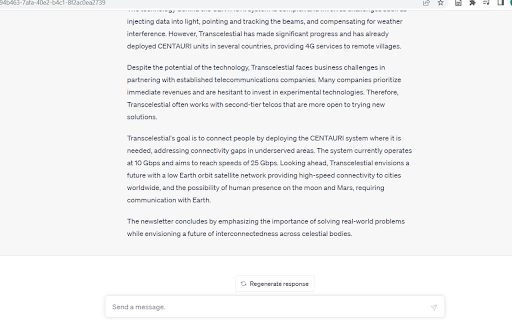
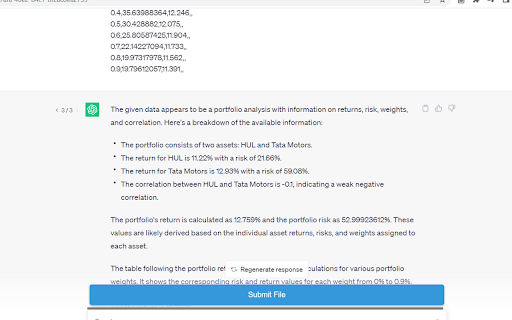
The "ChatGPT File Uploader" extension provides a convenient way to upload files into ChatGPT. With this extension, you can easily select and upload files to ChatGPT with just a few clicks.
How to Use:
1. Install the extension from the Chrome Web Store.
2. Once installed, the extension icon will appear in the Chrome toolbar.
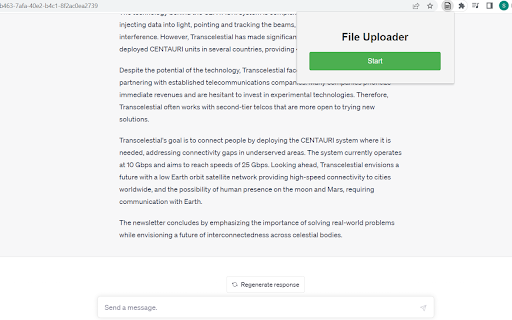
3. Click on the extension icon to open the popup window.
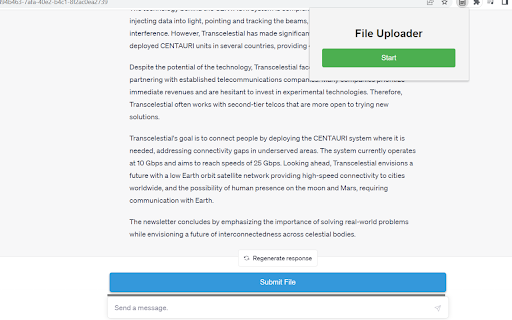
4. Use the start button to activate or deactivate the file upload functionality.
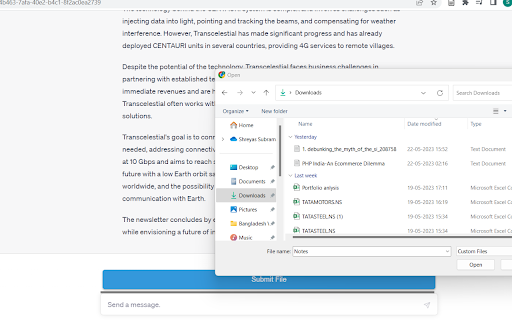
5. When the button is active, you can click on file upload fields on websites to select and upload files.
Enjoy a seamless file uploading experience without any hassle.
Reviews
Loading reviews...
Permissions (1)
Permissions
activeTabℹ Can access the current tab when you click the extension
Details
| Version | 1.0 |
| Updated | May 24, 2023 |
| Size | 8.88KiB |
| First Seen | Mar 26, 2026 |
Popular in workflow

Adobe Acrobat: PDF edit, convert, sign tools
by Adobe Inc.
331M
★ 4.40
workflow
331M
★ 4.40
workflow

AdBlock — block ads across the web
by AdBlock
62M
★ 4.48
workflow
62M
★ 4.48
workflow

迅雷下载支持
by Shenzhen Xunlei Network Technology Co., Ltd.
59M
★ 2.77
workflow
59M
★ 2.77
workflow

Adblock Plus - free ad blocker
by eyeo GmbH
41M
★ 4.39
workflow
41M
★ 4.39
workflow

Chrome Remote Desktop
by Chrome Remote Desktop Release Managers
38M
★ 3.14
workflow
38M
★ 3.14
workflow
Popular Extensions
Adobe Acrobat: PDF edit, convert, sign tools
by Adobe Inc.
331M
★ 4.40
workflow
331M
★ 4.40
workflow
AdBlock — block ads across the web
by AdBlock
62M
★ 4.48
workflow
62M
★ 4.48
workflow
迅雷下载支持
by Shenzhen Xunlei Network Technology Co., Ltd.
59M
★ 2.77
workflow
59M
★ 2.77
workflow

Grammarly: AI Writing Assistant and Grammar Checker App
by Grammarly
42M
★ 4.50
communication
42M
★ 4.50
communication
Adblock Plus - free ad blocker
by eyeo GmbH
41M
★ 4.39
workflow
41M
★ 4.39
workflow