
Description


Reviews (6 cached)
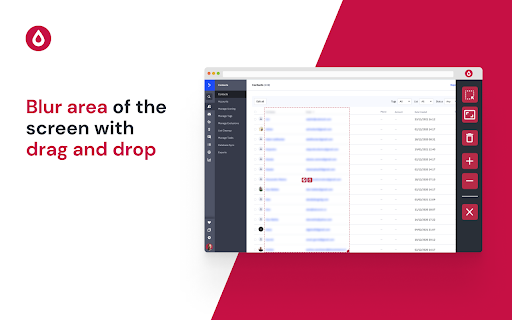
How can I for example instantly blurr facebook profile pics ana names for streaming?
Doesn't work on youtube.com can't blur arbitrary area on youtube.
It sometimes automatically unblurs that specific area and then I have to blur the same thing over and over again every time it unblurs something, this is so frustrating! The consistency just isn't good enough.
Great to blur just a few elements. But as soon as you select multiple parts of a page and switch between pages, it does not really work.
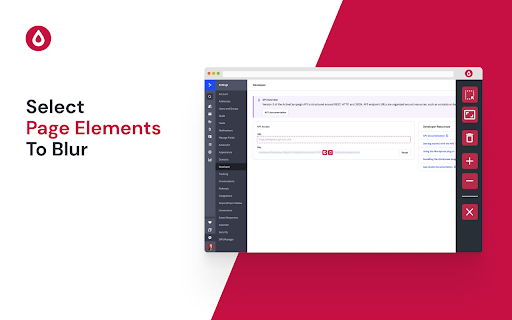
Wish I could say it is easy to use. I click edit on the extension so I have the blur tools available. I click on blur area tool, highlight the area that I want to blur, but then i see a pic of the earth and a trash can. And then it is hard to get the cursor to go where I just blurred. This is hard to use. Or is it me?
Very lacking, can't adjust the blur level; the default is 10, even though sometimes I only need 6 or 4. As a result, I always set the blur level over and over again. Then I can't change the custom shortcut, so it conflicts with the shortcut I've used on other extensions. The advantage is, even though we have blurred the page, it will still blur again, this is cool for you and me who like to make screen recordings such as tutorials or content. Any of you agree?
Permissions (2)
Permissions
Details
| Version | 1.2.1 |
| Updated | Sep 23, 2024 |
| Size | 97.56KiB |
| First Seen | Mar 22, 2026 |
Popular in workflow





Popular Extensions


